How to Take Your WordPress Website Temporarily Offline
There may be occasions when you will make your WordPress website completely unavailable to visitors for a short time. There is a simple switch in the Theme Settings back-end that enables you to take your website offline very quickly. It can be returned to service at a later time just as easily.
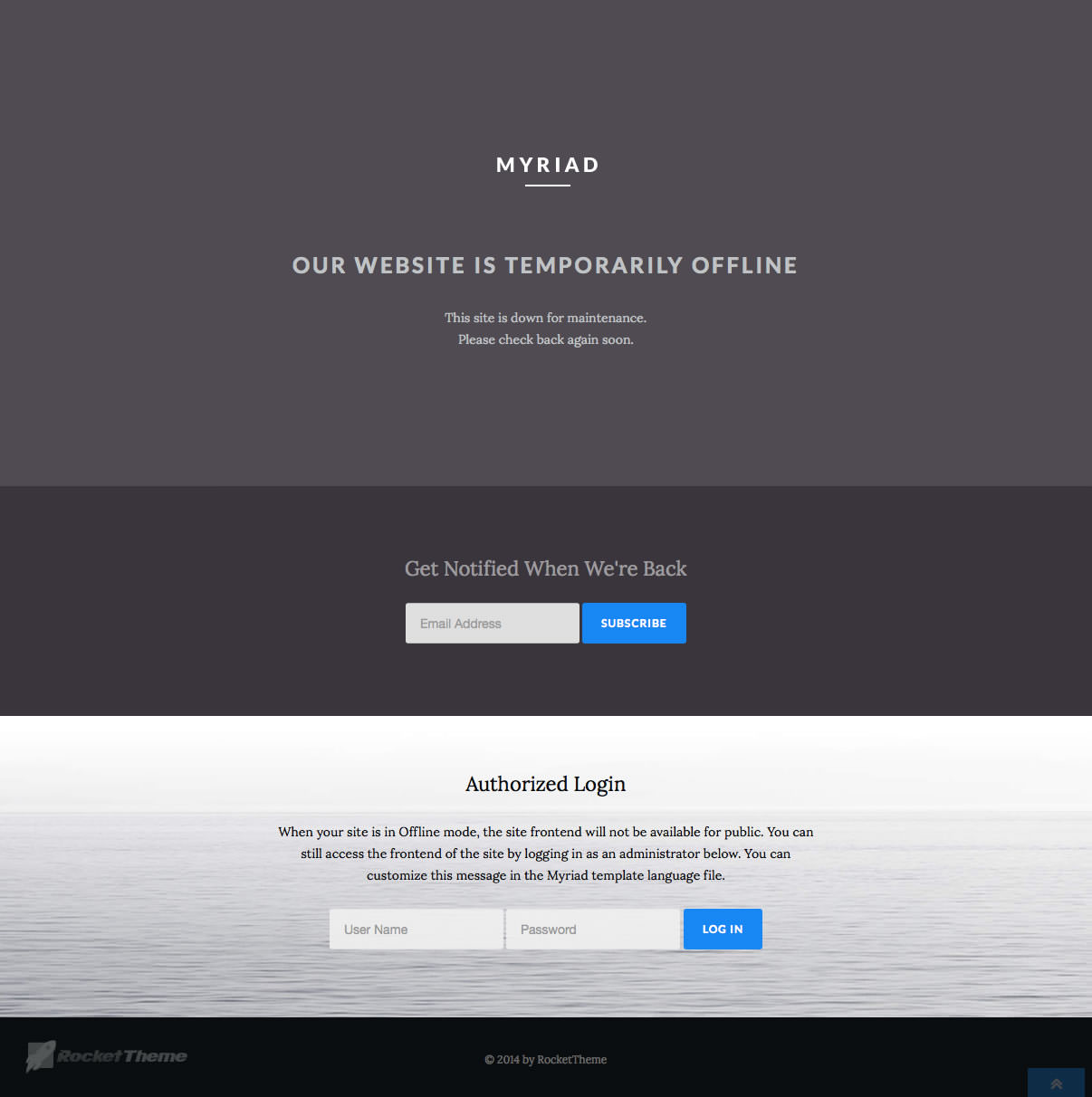
To make your WordPress website unavailable to visitors, replacing it with a simple message, do this:
- Log in to the Administrator dashboard.
- Click on the Theme Settings button in the admin sidebar.
- Click in the top right corner on the Extras button and select Platform Settings.
- Find where it says Offline Mode and select the Enabled radio button.
- Optional: Change the Offline Message to give your visitors some explanation about why your website is unavailable.
- Click the Save Changes button to implement the new settings.
- You should see a message confirming the settings have been changed.